Full lobby, all 4,500 titles
Slots, live casino tables, fishing, lottery and sports sit in the same menu you see on the website. Games come from Red Tiger, PG Soft, JDB, FA Chai and Playtech, so your favourites stay where you left them.

The aa66 app puts the full lobby, cashier and live chat on your phone. Version 3.2.19 is free, takes 58 MB and runs on Android 8.0 and above. Download the APK below, install it in a few taps, then log in with the account you already use.
No QR scanner handy? The download section carries a code you can scan with any phone camera to pull the same file.
18+ · Play Responsibly. Members must be 18 or older and based in Malaysia.
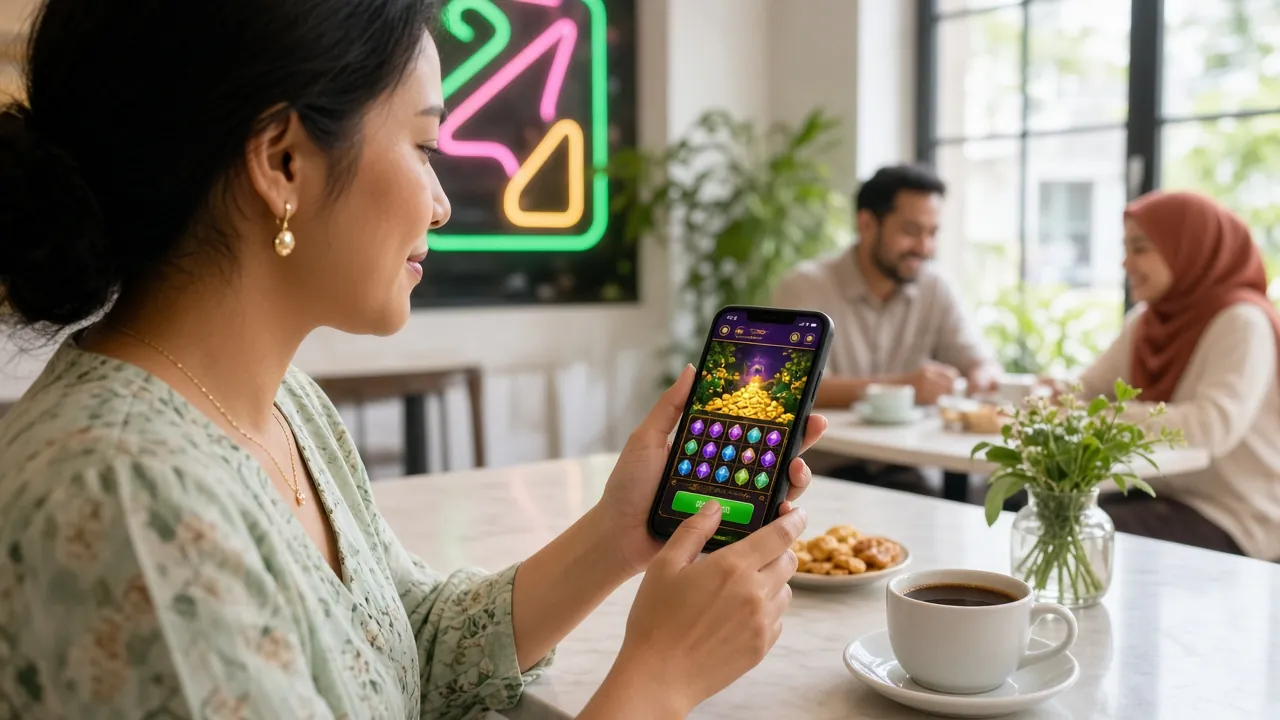
The APK is not a cut-down version of the site. It carries the same lobby, the same wallet and the same support channel, rebuilt for a smaller screen.
Slots, live casino tables, fishing, lottery and sports sit in the same menu you see on the website. Games come from Red Tiger, PG Soft, JDB, FA Chai and Playtech, so your favourites stay where you left them.
Top up with Touch ’n Go eWallet, DuitNow, FPX Online Banking or bank transfer without opening another window. Deposits usually clear in about 3 minutes, and withdrawals are processed in roughly 16 minutes once your account is verified.
The app and the website share a single account. Balances, bonus progress and open bets follow you between phone and laptop, so a bet placed on the train can be reviewed at home without signing in twice.
Stake buttons sit within reach, the slip confirms your potential return before you commit, and minimum bets start from RM0.10 on some titles. Bet history and cash-out controls stay one tap from the game screen.
The 24/7 Live Chat button follows you through the lobby and the cashier. Ask about a pending withdrawal, a bonus that has not credited, or a login code, and keep browsing while the agent checks your account.
Menus, cashier labels and help pages switch language from the settings screen. Your choice stays on the profile, so the next time you open aa66 on the same phone the app comes back in the language you picked.
One file, installed directly. Nothing is pulled from a store, so the version on this page is always the version we publish.
File: aa66.apk · Size: 58 MB · Version 3.2.19
Scan the code with your phone camera, or open this page on the phone itself, to reach the same 58 MB file.
| Item | Detail |
|---|---|
| App version | 3.2.19 |
| File name | aa66.apk |
| File size | 58 MB |
| Minimum Android | 8.0 |
| Last updated | 10 November 2026 |
| Cost | Free |
| Languages | English / Bahasa Melayu |
| Games in lobby | 4,500 |
| Providers | Red Tiger, PG Soft, JDB, FA Chai, Playtech |
| Support | 24/7 Live Chat |
Every category opens from the same bottom bar, and the search field remembers your last few titles.
An APK installed outside a store shows Android’s warning screen. Before you tap through it, here is exactly what the app touches and what it never needs.
Storage, so the installer and cached game images can be written; network access, for the lobby and cashier; and notifications, only if you switch them on. The aa66 app does not ask for your contacts, SMS inbox, camera or call log.
No agent will ask for your password, your banking PIN, a TAC code or remote access to your phone. Payment details are entered only inside the cashier, and only by you. Treat any chat message that asks otherwise as fraud and report it.
Traffic between the app and our servers is encrypted, and the app signs you out when you choose Log Out. On a shared or work handset, log out after each session and keep the screen lock switched on.
The APK on this page is the file we publish. Copies forwarded through Telegram groups, forums or third-party mirrors can be repacked with extra code. If a download page asks you to install something else first, close it and return here.
Five steps, roughly two minutes on Wi-Fi. Android blocks side-loaded files until you allow the browser you download with, so step one matters most.
Open Settings, then Apps, then Special access, then Install unknown apps. Pick the browser you will download with and switch on Allow from this source. Android 8.0 and newer block outside APKs until that toggle is on.
Tap Download APK on this page. The 58 MB aa66.apk file saves to your Downloads folder. Stay on Wi-Fi and keep the screen awake, because a weak mobile signal is the usual reason a download stalls partway.
Open your Downloads folder and tap aa66.apk. Android lists what the app requests, then asks you to confirm. Choose Install and wait for the progress bar; version 3.2.19 finishes in seconds on most phones.
Open the aa66 app and sign in with the username and password you already use on the site. If you are new, register first and come back. Balance, bonus progress and open bets load with the same profile.
Return to Install unknown apps and switch the toggle off again. The app keeps working. Future builds arrive as a new APK from this page, or as an in-app prompt, and you can repeat step one when you update.
There is no APK for iOS. Open aa66.guru in Safari, tap the Share button, then choose Add to Home Screen and name it aa66.
The shortcut opens full screen with the same login, cashier and lobby, so it behaves like an installed app without a store download.
Both routes reach the same account and the same 4,500 games. The difference is convenience, storage and how often you sign in.
| What you get | aa66 app (Android) | Mobile browser |
|---|---|---|
| Setup | Install the 58 MB APK once, then open from the home screen | Open aa66.guru in any browser, no install needed |
| Game lobby | Full lobby, 4,500 titles | Full lobby, 4,500 titles |
| Signing in | Stays signed in between sessions | Usually asks for your details again after a while |
| Alerts | Notifications for bonuses and withdrawals, if you enable them | None; you check the site yourself |
| Storage used | 58 MB of phone storage | Almost nothing beyond the browser cache |
| Updates | Install the new APK from this page | Always the current version |
| iPhone and iPad | Not available as an APK | Works, and can be saved to the home screen |
| Payments | Touch ’n Go, DuitNow, FPX, bank transfer | The same four methods |
Regular players on one Android phone tend to prefer the app for the shorter path to the cashier and the steady login. Occasional players who check football markets on a borrowed device, or who use an iPhone, lose nothing by staying in the browser. Both routes share the same wallet, so you can switch whenever you like. If you are still deciding, the casino page shows what loads in each version, and the login page covers sign-in trouble on both.
Almost every failed install on Android comes down to a blocked permission, a half-finished download or an old copy of the app. Work through these in order.
| What you see | Why it happens | What to do |
|---|---|---|
| Install blocked | Install unknown apps is still off for the browser you used, or a security app is holding side-loaded files back. | Repeat step one of the install guide, then tap Install again from the same browser. If a security app is active, allow aa66.apk once, install, then restore the setting. |
| Parse error | The file stopped downloading partway, usually because the screen locked or the signal dropped. | Delete the file from Downloads, connect to Wi-Fi, keep the screen awake and download again. A complete file reads 58 MB in your file manager. |
| App not installed | An older copy of the aa66 app is on the phone, signed differently from the new APK. | Uninstall the old app, then install the new file. Your account lives on our servers, so nothing is lost; log in again with the same details. |
| Opens then closes | Android on the phone is older than 8.0, or the handset has very little free memory. | Check Settings, About phone, Android version. Below 8.0 the app will not run, so use the browser version. Otherwise restart the phone and clear some storage. |
| Download keeps resetting | Mobile data dropped mid-transfer, or storage filled up while the file was writing. | Clear space, switch to Wi-Fi and start again from this page. If it fails twice, try a different browser, then confirm the file size before installing. |
The seven questions our live chat team handles most often about the Android build.